◉
Pet Camera
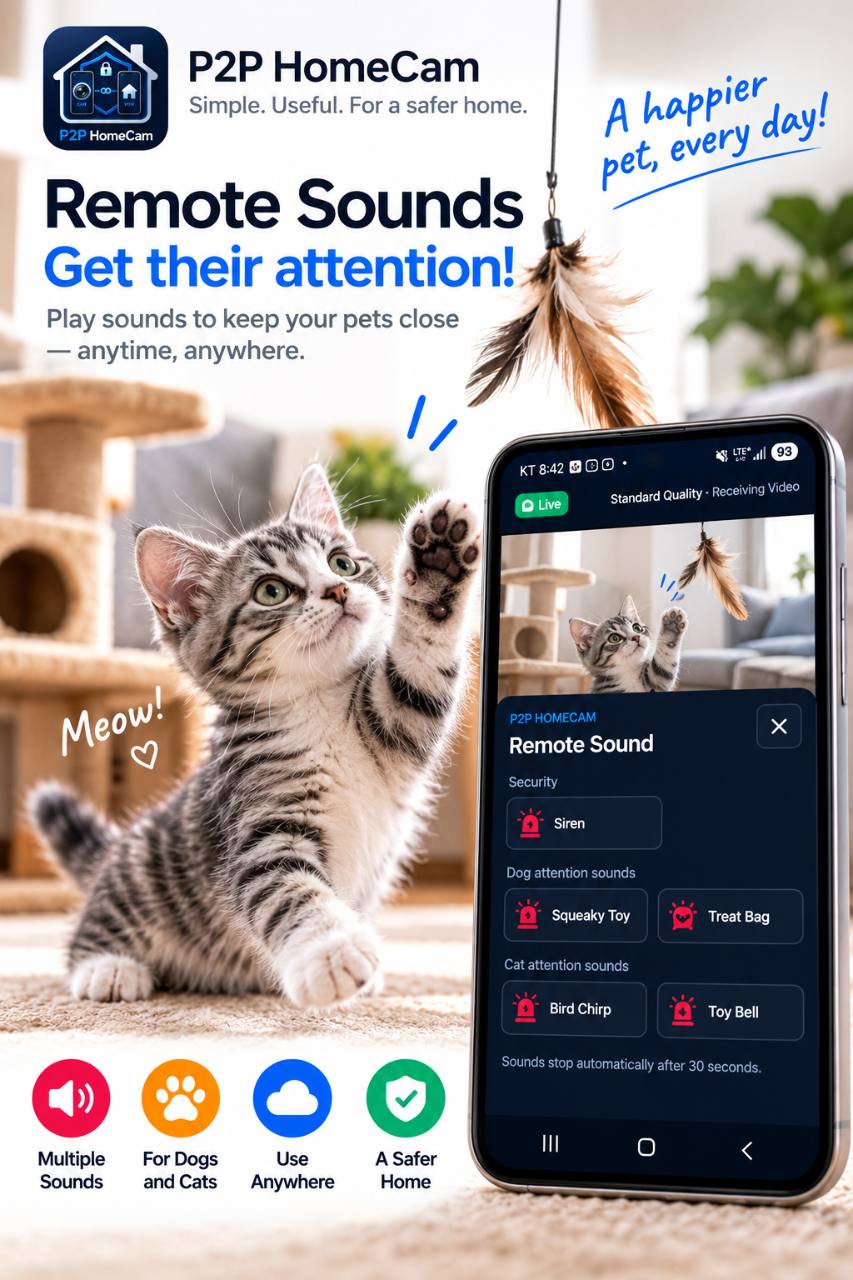
Check on your dog or cat while you are away.
PRIVATE HOME CAMERA
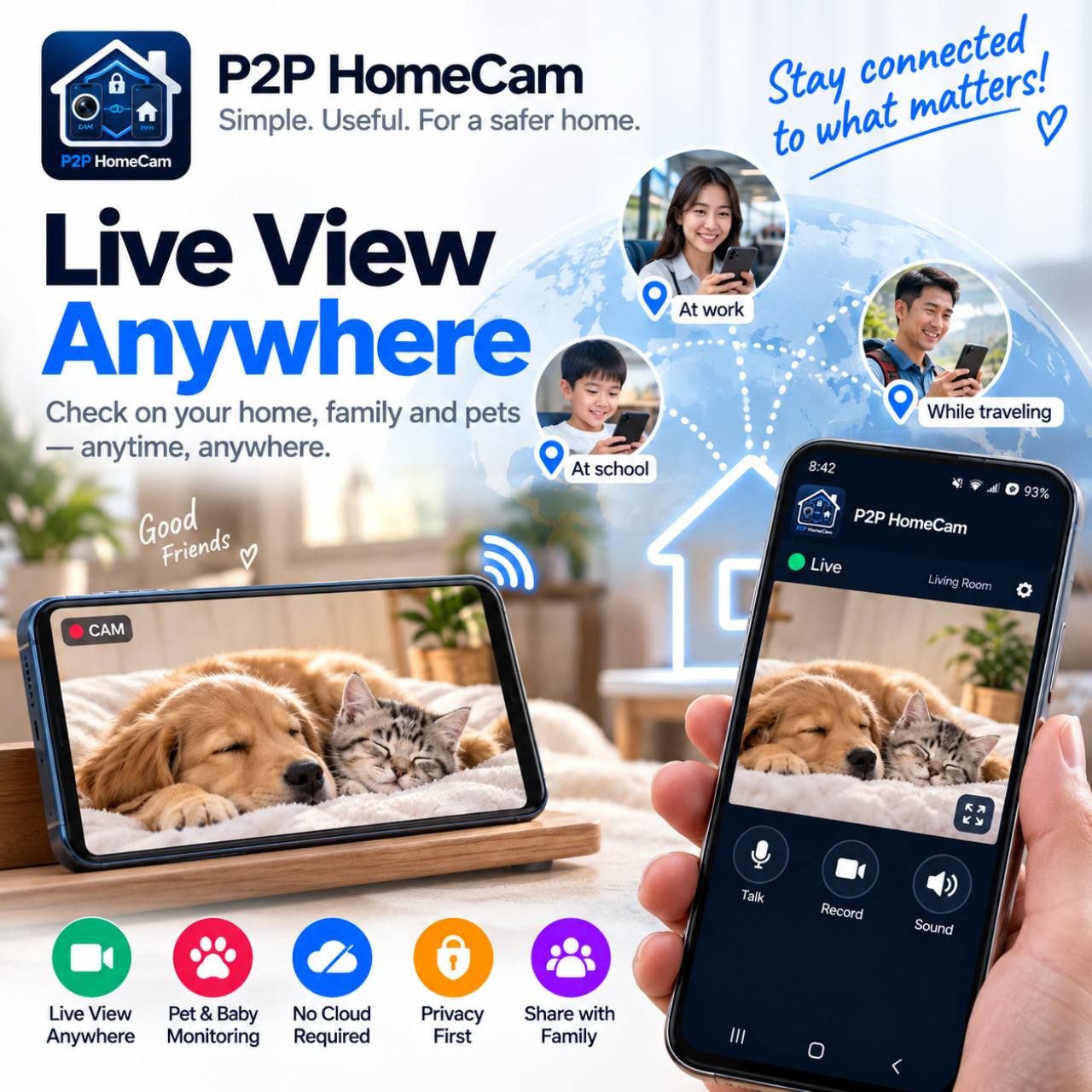
Watch your home, pets or loved ones securely from another Android device or any modern web browser.

USE CASES
Check on your dog or cat while you are away.
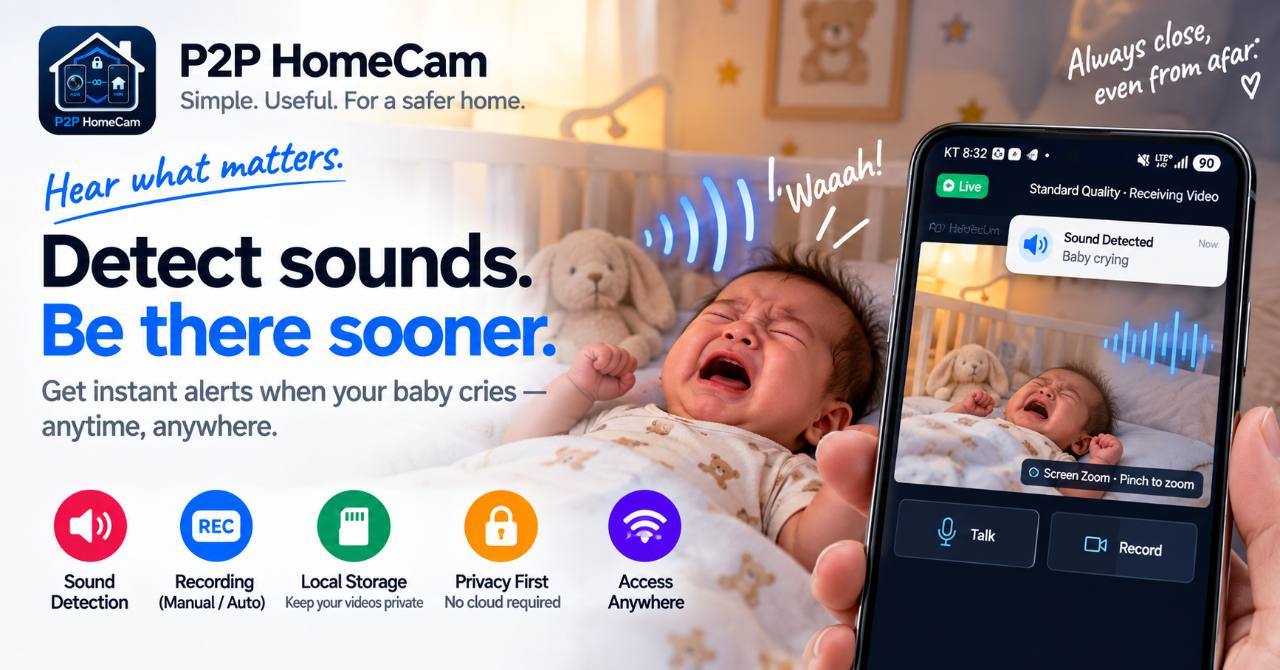
Keep an eye on a sleeping baby from another room.
See what is happening at home while you are out.
Check in on family members when needed.
Monitor a small office or work area.
WHY P2P HOMECAM
The camera and viewer connect directly through WebRTC whenever the network allows it.
Camera video and recordings are not stored on the P2P HomeCam server.
Give an unused Android phone or tablet a useful second life.
Use the Android viewer or a modern browser on PC, Mac, iPhone and iPad.
Motion recordings stay on the camera phone.
WEB VIEWER
Leave the Android camera phone at home and connect from a browser. No separate viewer app is required.
The camera phone must remain online.
GET STARTED
Install P2P HomeCam on an Android phone and choose Camera Phone.
Open Web Viewer settings on the camera phone.
A secure Viewer ID is generated automatically.
Open viewer.p2phomecam.com/viewer on another device.
Enter the Viewer ID and password.
The live video connects through encrypted WebRTC.
PRIVACY
The signaling server helps the devices find each other. Direct P2P is preferred; an encrypted TURN relay may be used when direct connection is unavailable. Video is not stored on our servers.